
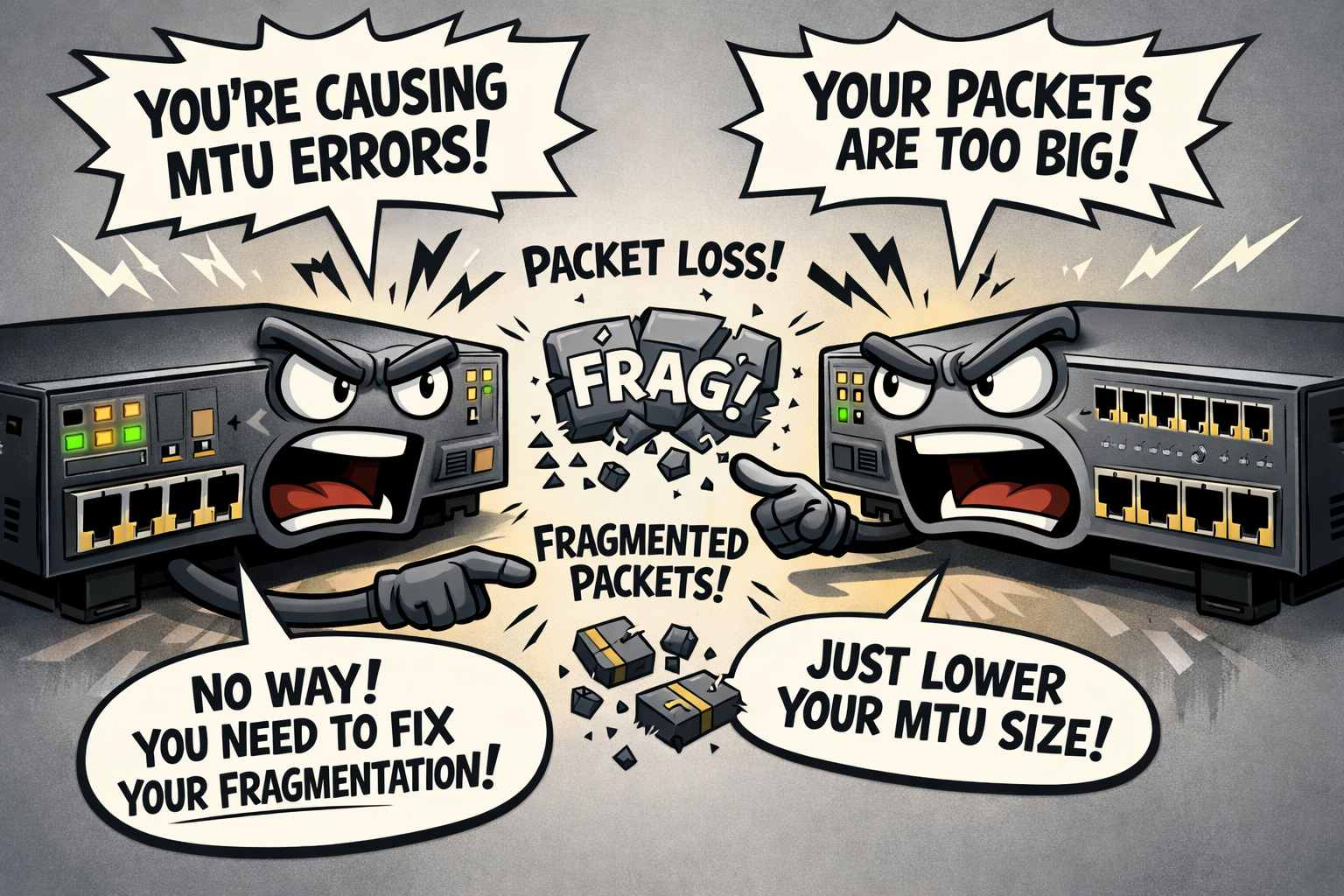
MTU (Maximum Transmission Unit) is one of those configurations that rarely gets attention. Applications hang, files take forever to transfer, and connections seem sluggish—but nothing obvious appears broken. More often than not, the root cause is mismatched MTU sizing somewhere along the path.
MTU defines the largest chunk of data a network device can send in a single frame. When everything agrees on a size, things run smoothly. But when devices along the network path have different MTU configurations, data gets chopped up (fragmented), dropped entirely, or handshakes suddenly abandon sessions. The frustrating thing is that these problems rarely announce themselves. You’re more likely to see partial outages, unreliable applications, or unexplained slowdowns.
I’m not here to provide MTU configuration examples, but rather to share the theory and outline the benefits and potential pitfalls of different MTU choices.
MTU Sizes
1500 bytes = Default
- The standard MTU size
- Universally supported on switches, routers, firewalls...you name it
- The safest option in a multi-vendor environment
9000 bytes = Jumbo Frames
- Commonly used in data centers and server environments
- Popular for storage, virtualization, backups, and high-throughput connections
- Requires end-to-end support
9216 bytes = Vendor Jumbo Standard
- Accounts for overhead while carrying a 9000-byte payload
- Common on many switches (Cisco, Juniper, NVIDIA)
- Often the actual interface MTU when jumbo frames are enabled
1400–1492 bytes = Tunnel-Constrained MTUs
- Used when encapsulating traffic within IPsec, GRE, VXLAN, and PPPoE
- Encapsulation overhead reduces usable payload size
- Most common on WAN links, VPNs, and overlay networks
Why Would Anyone Change Their MTU?
Performance and Efficiency with Jumbo Frames
- Higher throughput for large, sustained data flows
- Reduced CPU overhead on network devices and hosts
- Fewer packets required for the same data transfer
Encapsulation and Overhead
- Tunnels add headers, which can cause packets to exceed the standard 1500-byte MTU
- If you don’t lower the MTU, fragmentation or drops can occur
Consistency
- End-to-end MTU alignment across servers, hypervisors, switches, and firewalls
What Should I Do If I Have an MTU Misconfiguration?
- Identify the smallest MTU in the path
- Decide on a single MTU strategy:
- 1500 everywhere
- Jumbo everywhere
- Reduced MTU to account for encapsulation overhead
- Review your network infrastructure layers:
- Core
- Distribution
- Access
- Verify that Path MTU Discovery (PMTUD) works
- Validate with real traffic by testing:
- Large file transfers
- Application behavior
- Voice and video call quality (MOS scores)
- Authentication flows
- TLS handshakes
Practical Advice
Sooner or later, you’ll be bitten by MTU sizing. There’s no doubt about it! At some point in your career, you will need to make adjustments. My advice?
- If you don’t need jumbo frames, don’t use them.
- If you do need them to meet a business requirement, commit fully and verify every hop from end to end.
- Be consistent and intentional with your configurations, and those who come after you will be grateful.

