
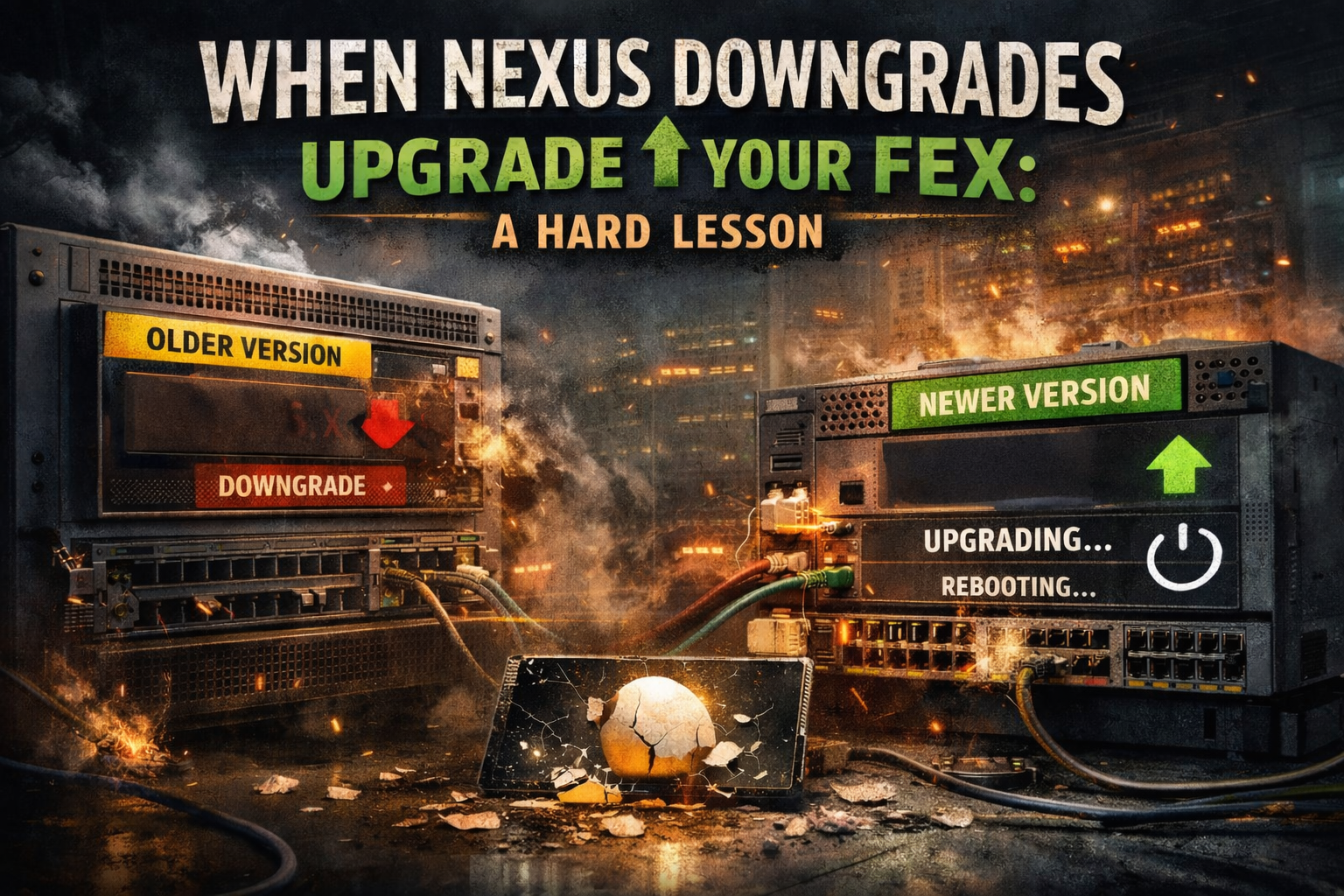
Recently, I had one of those moments that every networking guy eventually runs into...a failed Cisco Nexus switch. Nothing exotic. Nothing exciting. Just the kind of failure that shows up at the worst possible time and immediately turns your day into damage control.
The plan seemed straightforward enough.
We had a spare Nexus switch sitting on the shelf, same model and hardware. To keep things clean, I downgraded it so the kickstart and system images matched the existing vPC peer exactly. Once that was done, I copied over the configuration and felt pretty good about where things were headed.
That confidence didn’t last long.
As I started reviewing the config, I noticed something missing: none of the FEX interfaces were present. That made sense at first...the FEXs weren’t physically connected yet, so NXOS wasn’t showing those interfaces. Fine. No big deal. I figured I’d cable them up, let the switch detect them, and then apply the interface configs once they appeared.
That’s when things got weird.
As soon as the FEXs came online, I noticed the switch reporting an “image downloading” state. That immediately set off alarms in my head. The Nexus software matched the environment. I had just downgraded it. There was no reason for anything to be downloading…right?
Then the downstream FEXs started rebooting.
That’s the moment where your stomach drops. You know the one. The kind where you’re staring at the console, watching logs scroll by, and thinking, How did this happen? Why is this happening? All I did was plug in a FEX so I could copy some config like I was supposed to do.
It felt like a classic chicken and egg problem. I needed the FEXs connected to apply the config, but connecting the FEXs triggered behavior I absolutely did not expect. And somehow, the egg hit the floor and shattered.
After what felt like an eternity (but was probably just a few minutes), the FEXs finished rebooting. I moved quickly, reapplied the interface configurations, and watched as links started coming back up. Traffic stabilized. The immediate fire was out.
But I was still confused...
Out of curiosity and disbelief, I checked the software versions on the FEXs. They were running the newer code. Meanwhile, the Nexus switches themselves were still on the older, downgraded code. That part broke my brain. Somehow, despite downgrading the parent switch before connecting anything, the FEXs still pulled and installed newer software. No warning, no confirmation, just a silent image download followed by a reboot…on a live network.
In hindsight, this all makes sense if you squint hard enough and know how NX-OS handles bundled images, cached software, and FEX lifecycle management. But in the moment? It felt completely backwards. I did what I thought was the safe thing.
Lessons learned.
This was one of those incidents that reminds you how much hidden behavior lives inside platforms you think you know. You can follow best practices, do everything carefully, and still get caught by something that only shows itself when hardware, software, and timing line up just wrong.
The FEXs dont ask “What version are you currently running?” They look for an image that is considered valid for that platform, and what is the newest available. Since the newer image was still present in the bootflash after I downgraded, that is the image the FEXs saw and proceeded to upgrade after they were connected.
I walked away from this one a little more cautious, a little more humbled, and a lot more aware of how FEXs really behave during replacement scenarios. It wasn’t fun, but it was one of those experiences that sticks with you. The kind you don’t forget the next time you’re staring at a console wondering why a switch is doing something you swear you didn’t ask it to do.

