
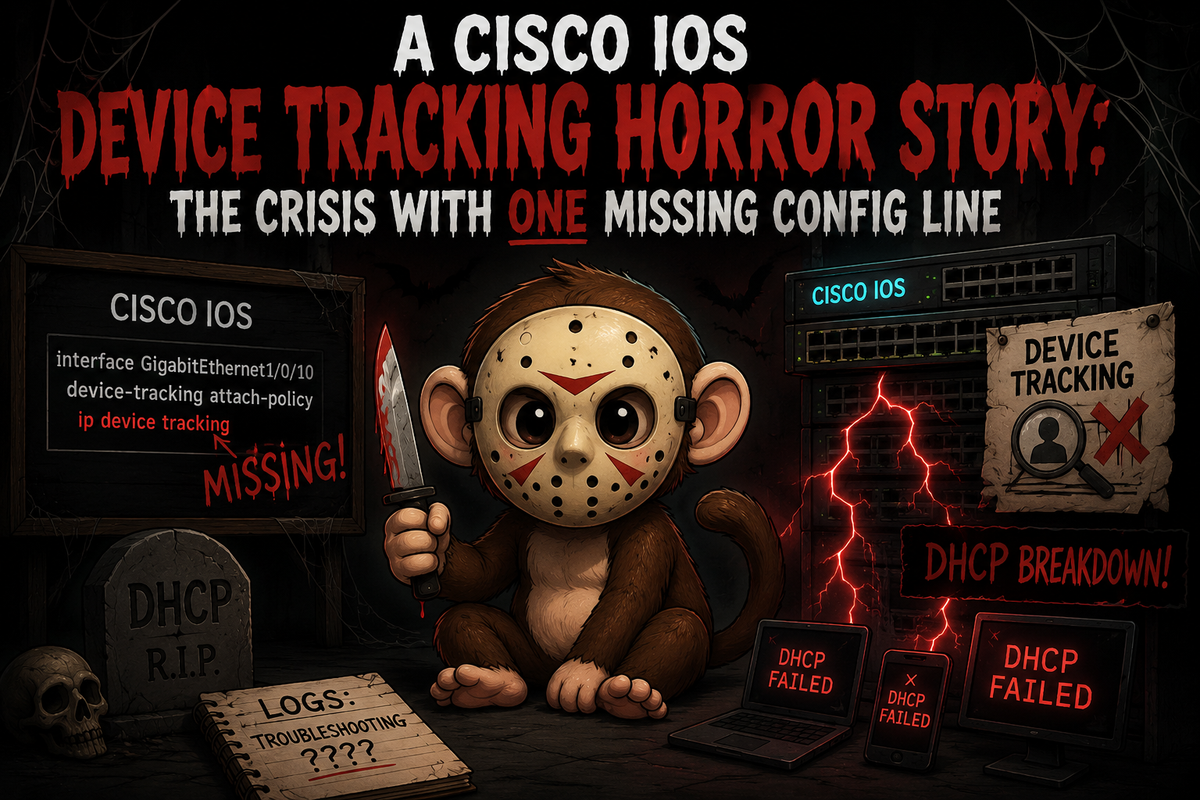
It was a dark and stormy hospital network. Endpoints were getting IP conflicts no one could explain. DHCP was running. Switches were up. ISE was authenticating. Everything looked fine...but everything was not fine.
Somewhere, many years ago, an engineer configured device tracking across the switching stack and moved on. Maybe they left for another job. Maybe they left for a better life. Maybe copy-pasta'ed the heck out of a configuration. Maybe they simply closed the terminal window and never spoke of it again. Whatever the reason, they took one critical piece of knowledge with them: device tracking on an uplink is not the same as device tracking on an access port, and the difference matters a lot.
The config sat there. Silent. Patient. Quietly building binding tables full of IPs and MACs that had no business being there, on interfaces they had no business appearing on, until one day...endpoints started screaming about IP conflicts and nobody knew why.
This is that story. And the culprit is one missing config line.
What Device Tracking Is Supposed to Do
Device tracking exists to give the switch a live map of which IP addresses and MAC addresses are associated with which interfaces. This is useful for several things:
- Supporting 802.1X and MAB authentication with accurate session data
- Feeding ISE with IP-to-MAC correlation for profiling and policy enforcement
- Enabling features like Dynamic ARP Inspection (DAI) and IP Source Guard
The mechanism is straightforward: the switch watches ARP and DHCP traffic on an interface, builds a binding table (IP, MAC, VLAN, interface), and uses that table to validate or track endpoints over time.
On an access port facing a single endpoint, this works exactly as intended. The switch sees one (or a small handful of) IP/MAC pairs and builds clean bindings.
On an uplink, it goes sideways fast.
What Happens When You Put It on an Uplink
When device tracking is enabled on a trunk or uplink interface without any special policy, the switch treats it like any other interface. It watches every ARP packet that transits the link and tries to build bindings for all of them.
Here's the problem: all downstream endpoint traffic flows through that uplink. If you have 300 endpoints behind an access layer, the distribution switch sees all 300 of their IP/MAC pairs arriving on that one trunk interface and dutifully builds 300 bindings on it.
If you see a wall of IPs and MACs from endpoints that aren't physically connected to that switch, congratulations! You've confirmed the problem.
Those bindings are garbage data. The endpoints don't live on that interface. But the switch doesn't know that, and it will act on those bindings as if they're valid.
How This Breaks DHCP
The IP conflict chain looks like this:
- An endpoint gets a lease. The access switch builds a correct binding:
192.168.10.50->aa:bb:cc:dd:ee:ff->GigabitEthernet1/0/5. - The same ARP traffic transits the uplink. The distribution switch builds its own binding:
192.168.10.50->aa:bb:cc:dd:ee:ff->TenGigabitEthernet1/1/1. - The endpoint renews its lease or sends a new ARP. The distribution switch sees this IP arriving on what appears to be a "different" context and flags it as a conflict.
- The endpoint gets an IP conflict warning or the binding gets marked stale/dropped.
The switch isn't malfunctioning. It's doing exactly what it's configured to do. It just has no business tracking endpoints on an interface where they don't actually terminate.
show device-tracking database conflict
show device-tracking database interface TenGigabitEthernet1/1/1
If you see the same IPs and MACs appearing both in the conflict list and in that uplink interface's binding table, that's your confirmation. Some endpoints are extra sensitive to these conflicts, and can trigger duplicate IP warnings on the Windows host.
The Fix: Two Approaches Depending on Platform
IOS-XE 16.x and newer (SISF-based device tracking)
On modern IOS-XE platforms, device tracking is managed through SISF policies and is applied per interface – which means the simplest fix is to just not apply any device tracking policy to your uplink interfaces at all. No policy attached means no tracking, no binding table entries, no problem. That's it. The interface will no longer participate in device tracking and won't build bindings for endpoints transiting the trunk.
Legacy IOS / IOS-XE 3.x (IPDT)
On older platforms running IOS-XE 3.x (like a 3650 on 03.06.06E) or traditional IOS, the SISF policy system isn't available. You're on the legacy ip device tracking stack, and your per-interface option is:
interface GigabitEthernet1/1/1
 ip device tracking maximum 0
Setting maximum to 0 effectively prevents the interface from building bindings. It's a blunter instrument than trusted-port, but it's the right tool for the platform. It doesn't affect global device tracking or what happens on access ports, it just stops this specific interface from accumulating bad data.
Does This Break ISE?
Nope! ISE gets its IP-to-MAC correlation from:
- RADIUS accounting sent by the authenticating access switch
- Device sensor data (CDP/LLDP/DHCP attributes) collected at the access port
- DHCP snooping bindings from the access layer
The upstream binding table entries were always noise, duplicates of valid bindings already learned at the edge, just with the wrong interface context attached.
Removing them doesn't reduce ISE's visibility. It removes data that was misleading the switch and causing conflicts.
The Nightmare Is Over...For Now
Device tracking is a useful feature that improves ISE profiling accuracy and enables several security features. It belongs on access ports facing endpoints.
It does not belong on uplinks. When you put it there without a trusted-port designation, the upstream switch accumulates binding table entries for every endpoint behind it, those entries conflict with the legitimate bindings at the access edge, and you get IP conflicts and DHCP failures that are genuinely hard to trace back to their cause.
The good news: Ansible can clean this up at scale without you touching a single switch manually. The playbook checks whether device tracking is enabled globally on a switch (depending on the IOS version), identifies uplinks by matching against known distribution switches via CDP neighbor data, sets that interface list as a fact, and loops the remediation command across every offending interface. One playbook, one run, done.
The fix is a single config line. The real horror was letting it go unnoticed for this long.
Check your uplinks. Then check them again. The config that haunts you is always the one someone else wrote.